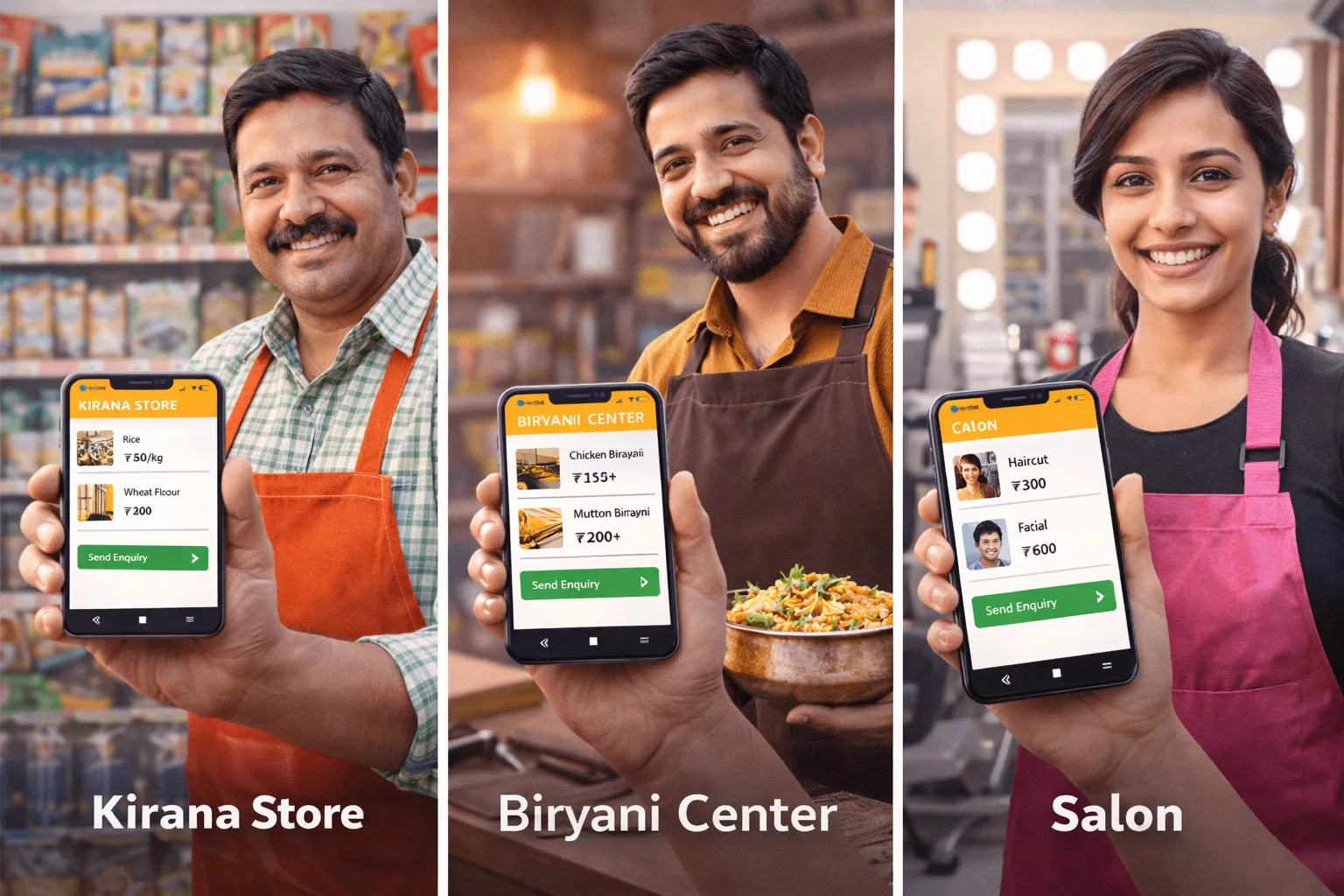
You don’t need a website. You don’t need Instagram. You don’t even need to know what SEO means.
What you need is a simple digital catalog that your customers can see on their phones – anytime, anywhere. That’s it.
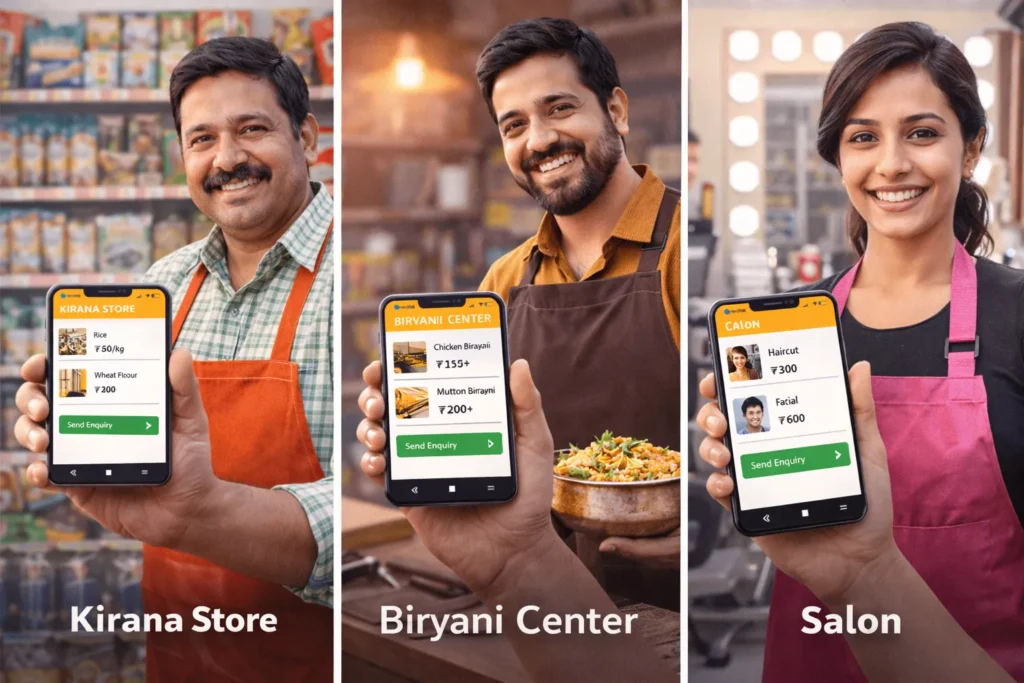
In this blog, we’ll show you exactly how three types of local shops – a kirana store, a biryani center, and a salon – are using chotu to get more orders, save time, and stop losing customers to delivery apps.
Read whichever section matches your shop type. Or read all three – the lessons apply to every local business.
Part 1: The Kirana Owner Who Stopped Answering 40 Calls a Day
Meet Dinesh Bhai. He runs a mid-sized kirana store in a residential colony. He’s been doing it for 22 years. He knows every customer by name, knows what their children eat, and always keeps a mental note of who owes him money.
But three years ago, something changed.
His regular customers started ordering from Zepto and Blinkit. Not because they didn’t like Dinesh Bhai. But because they could see the catalog, add items, and get delivery – all without calling him.
Dinesh Bhai’s answer? 40 phone calls a day. Orders written on paper. Items misheard. Deliveries delayed. Customers frustrated.
“I was spending more time on the phone than behind the counter.”
What changed when Dinesh Bhai got his chotu catalog
The moment his chotu catalog went live, he shared the link in his colony WhatsApp group. Within 48 hours:
- Customers started sending their grocery list directly to his WhatsApp as a cart
- He stopped missing items – every order came written, itemised, with quantity
- He printed the QR code on a small board at his counter – walk-in customers started sharing it with neighbours
- His delivery boy now gets a printed list instead of a verbal one – zero mistakes
Tips for Kirana shops using chotu
Update your prices every Monday morning
Take 10 minutes at the start of the week to update any price changes. Your customers trust your catalog – keep it accurate.
Use the ‘Out of Stock’ label aggressively
If dal is finished, mark it immediately. This reduces WhatsApp messages asking ‘do you have it?’ – and builds trust.
Add your own brand staples
If you sell loose atta, loose spices, or homemade pickles – add them to your catalog with a photo. These are your margins. Customers can’t find these on Blinkit.
Share your link in 3 places
Colony WhatsApp group, your own WhatsApp status, and a printed QR code stuck at the counter. That’s all you need.
Part 2: The Biryani Center That Ended Sunday Chaos
Arshad runs a biryani center that’s famous in his area. On weekdays, things are manageable. But Sundays? Pure madness.
From 11 AM to 2 PM, his phone rings non-stop. Customers call to ask what’s available, place orders, ask for quantities, change their order, and sometimes cancel last minute – leaving Arshad with extra portions and lost revenue.
He’d heard about chotu from a friend. He signed up on a Thursday. By Sunday, his life had changed.
“Saturday night, 30 orders were already in my WhatsApp. I knew exactly what to cook. Zero waste, full house.”
How Arshad runs his biryani business with chotu
- He lists his full menu: Chicken Biryani (half/full), Mutton Biryani (half/full), Family Pack, Raita, Salan, Gulab Jamun
- Every Friday, he shares his weekend special on WhatsApp status using his chotu link
- Customers click the link, pick what they want, set pickup time, and send the order on WhatsApp
- Arshad prepares exactly what’s ordered. No guesswork. No excess.
- He added a note: ‘Pre-orders before 10 AM get priority pickup.’ His morning orders jumped 60%.
Tips for Biryani Centers and food shops using chotu
Add ‘Pre-order’ to your catalog description
Write: ‘Order before 10 AM for guaranteed availability.’ This creates urgency and gets you orders before you even open.
Create combo items
Add a ‘Family Sunday Pack’ – Biryani + Raita + Gulab Jamun as a single catalog item. Higher average order value, fewer WhatsApp back-and-forths.
Mark popular items with ⭐
Add ⭐ to your best-sellers in the item name. ‘Chicken Biryani Full ⭐’ stands out and guides first-time customers.
Add a ‘Today’s Special’ item
Create one catalog slot called ‘Today’s Special’ and update it daily. It keeps your catalog fresh and gives customers a reason to check back.
Part 3: The Salon That Stopped Losing Customers to Urbanclap
Priya runs a ladies’ salon in a busy residential area. Her work is excellent – regulars love her. But new customers? They kept discovering her competitors on Urban Company instead.
The reason was simple: she had no digital presence. If you searched for a salon near her area, you’d find three Urban Company listings before you’d find Priya.
Urban Company takes 20–30% of every booking. For a ₹600 facial, she’d take home ₹420. And the customer data? Belonged to the platform.
“I was building their business, not mine. chotu gave me my own link I could share anywhere.”
What Priya’s chotu catalog looks like
- Services listed with clear pricing: Threading ₹30, Full Arms Wax ₹150, Facial (Basic) ₹350, Bridal Package ₹3,500
- A section for combo packages: ‘Glow Package – Facial + D-Tan + Eyebrows ₹600’
- Her WhatsApp number as the booking contact – no platform, no commission
- A short description: ‘Book 1 day in advance. Home service available within 3 km.’
Tips for Salons and service businesses using chotu
List every service with a price – even small ones
Customers don’t call to ask for threading prices. They just go elsewhere. Transparent pricing builds instant trust.
Add a ‘Bridal & Event’ section
Create a separate section for wedding packages. This attracts high-value customers and can be shared in wedding planning WhatsApp groups.
Ask regulars to share your link
After a session, say: ‘Share my link with your friends – they get ₹50 off their first visit.’ Word of mouth + digital = unstoppable.
Use your WhatsApp status
Post your chotu link on WhatsApp status every Monday: ‘Slots available this week – book now.’ Takes 30 seconds, fills your calendar.
Whatever you sell – groceries, biryani, or beauty services – chotu has a ready catalog for your shop type. Get online today.