
Your shop is live — let’s get orders rolling
Follow these steps to start getting your first orders
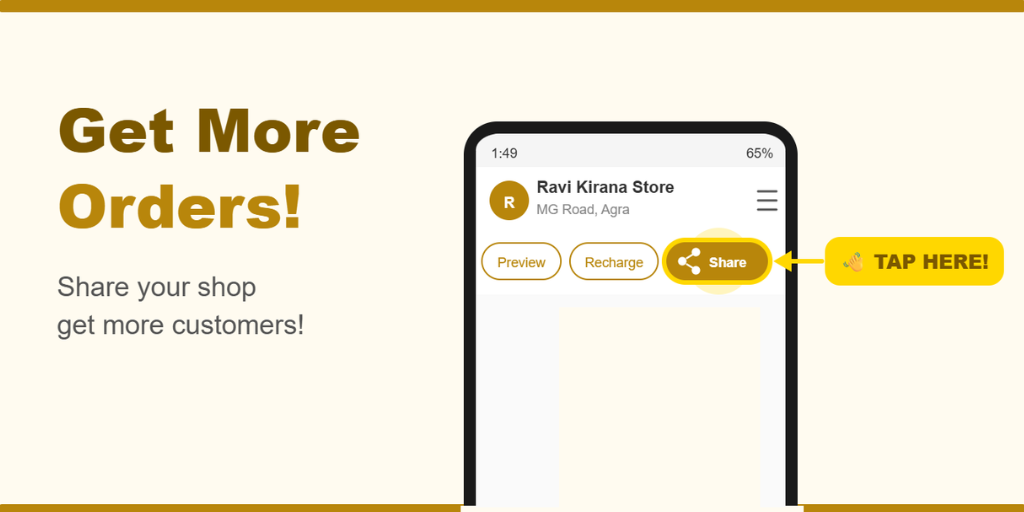
Share your shop directly from the app
There’s a Share button right on your shop page in the chotu Owner App. Tap it and share instantly to:
Download & share your QR code
Go to Hamburger Menu → Promote to download your shop’s QR code. Use it to:
Share on WhatsApp & social media
Print and stick near gated communities in your area
Stick on nearby no-parking boards and public notice spots
We’ve got your back — automatic discovery
When users search with a nearby intent on chotu, we automatically show your shop to them — as long as you are operating in that locality. No extra steps needed from your side.
Pro tip — the more you share, the faster orders come in. Even one daily WhatsApp status update can make a big difference early on.